Quick Actions
Open Settings → Quick Actions to control the power behaviour of the Dashboard’s Charge Now and Discharge Now buttons.
Options
Section titled “Options”| Setting | Description |
|---|---|
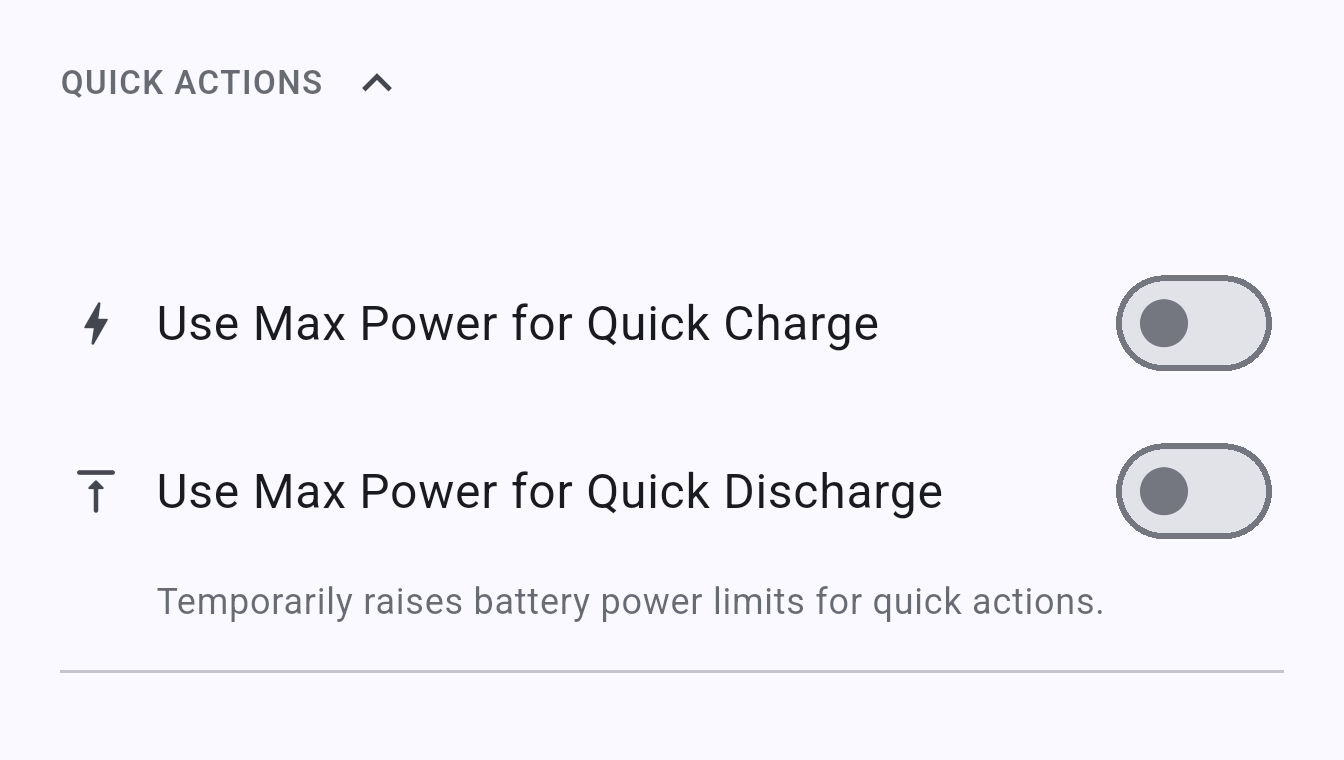
| Use Max Power for Quick Charge | Temporarily raises the battery charge power limit when Charge Now is tapped |
| Use Max Power for Quick Discharge | Temporarily raises the battery discharge power limit when Discharge Now is tapped |
When enabled, quick actions use the maximum hardware-supported power rate rather than your configured power limit. The limit is restored when the quick action ends.
This section only appears for inverters that support quick actions.